
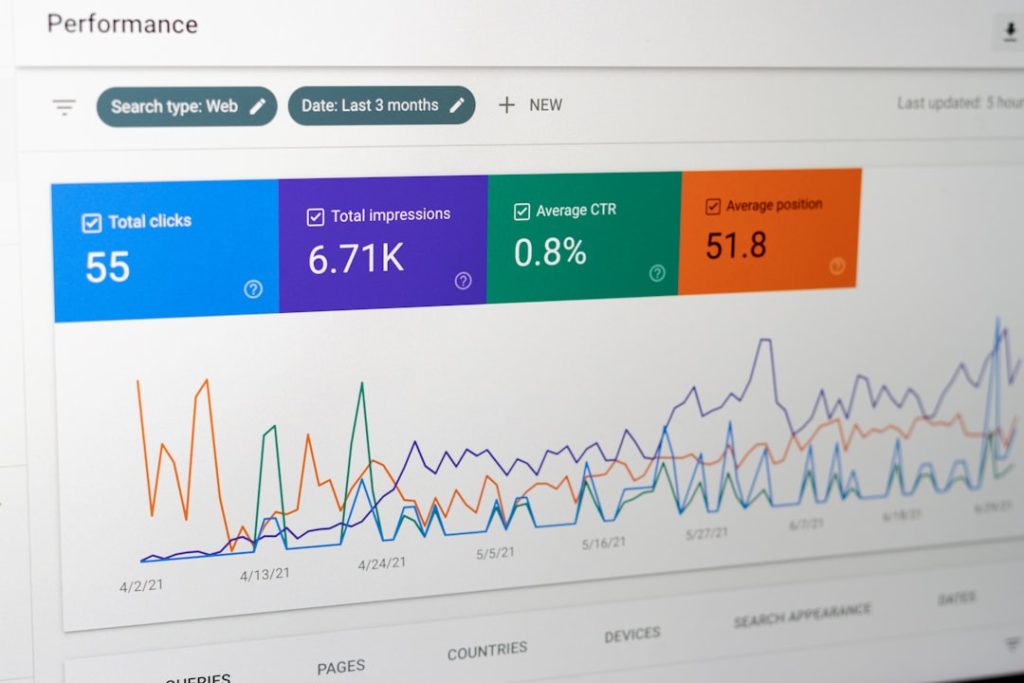
In a digital landscape where users expect instant access and seamless performance, website downtime is no longer a minor inconvenience—it is a direct threat to revenue, reputation, and customer trust. Businesses of all sizes rely on uptime monitoring tools to ensure their websites remain accessible around the clock. These tools continuously check website availability in real time, notifying teams immediately when something goes wrong.
TLDR: Uptime monitoring tools track website availability and alert businesses the moment downtime or performance issues occur. They help prevent revenue loss, protect brand reputation, and ensure consistent user experiences. Modern tools offer real-time alerts, global monitoring locations, performance analytics, and integration with communication platforms. Choosing the right tool depends on budget, features, scalability, and infrastructure complexity.
Why Website Uptime Matters
Website uptime refers to the amount of time a website is fully operational and accessible to users. Even a few minutes of downtime can result in:
- Lost revenue, particularly for eCommerce businesses
- Decreased customer trust
- Lower search engine rankings
- Damaged brand reputation
Search engines prioritize reliable websites. If a site repeatedly experiences outages, search visibility may decline. Furthermore, modern consumers have little patience for error messages or slow-loading pages. As a result, real-time monitoring has shifted from a technical luxury to a business necessity.
How Uptime Monitoring Tools Work
Uptime monitoring tools operate by sending automated requests—often called pings—to a website at regular intervals. These checks may occur every 30 seconds, 1 minute, or 5 minutes, depending on the service level selected.
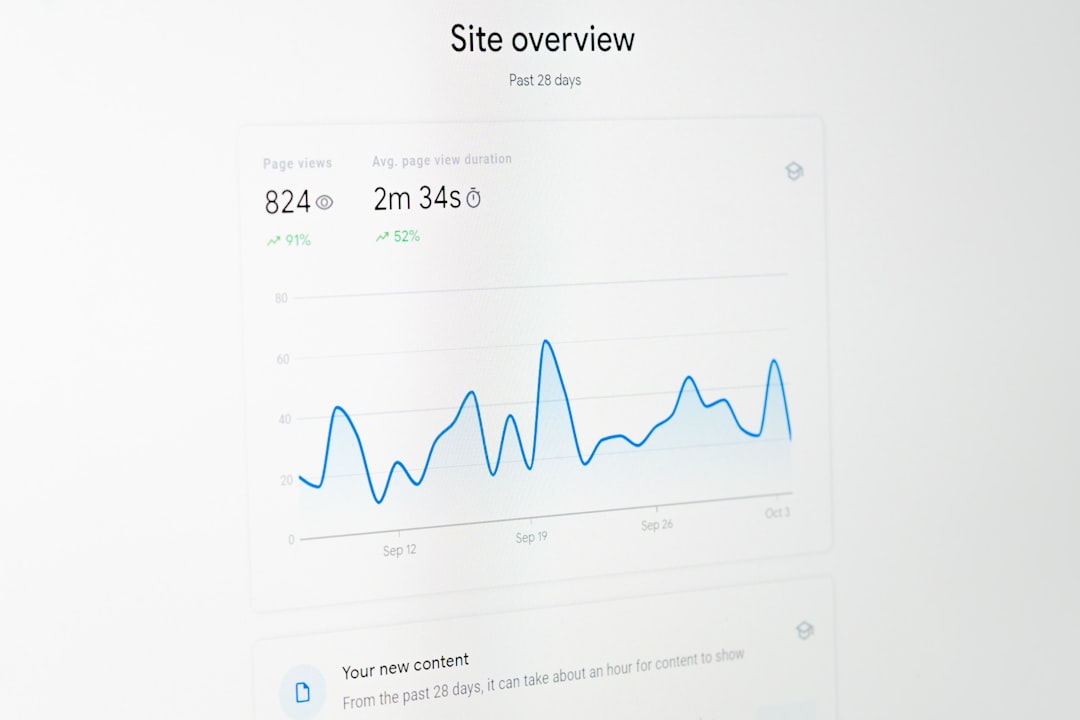
If the website fails to respond within a specified time or returns an error code, the tool immediately triggers an alert. Alerts can be sent via:
- SMS
- Push notifications
- Slack or Microsoft Teams
- Phone calls
Advanced tools also perform checks from multiple global locations to confirm whether downtime is widespread or isolated to a specific region.
Key Features to Look For
Not all uptime monitoring tools are created equal. When evaluating options, businesses should consider the following essential features:
1. Real-Time Alerts
Immediate notification minimizes downtime impact. The faster a problem is detected, the quicker it can be resolved.
2. Global Monitoring Locations
Monitoring from multiple continents ensures accurate reporting. A site might function in North America but fail in Europe due to CDN or routing issues.
3. Performance Tracking
Many tools do more than detect downtime. They measure page load speed, server response time, and performance trends over time.
4. Incident Reporting
Detailed reports help teams identify patterns and implement long-term solutions.
5. Integration Capabilities
Integration with DevOps workflows, ticketing systems, and collaboration software ensures faster incident response.
Popular Uptime Monitoring Tools
Several industry-leading tools dominate the market, each offering unique capabilities.
1. Pingdom
Pingdom is known for its user-friendly interface and comprehensive uptime and performance monitoring. It provides real-time alerts and detailed analytics reports.
- Global monitoring servers
- Transaction monitoring
- Customizable alerts
2. UptimeRobot
UptimeRobot offers affordable monitoring with checks as frequent as every 30 seconds. It is especially popular among startups and small businesses.
- Free plan available
- Status page creation
- Keyword and port monitoring
3. Site24x7
Site24x7 provides comprehensive monitoring beyond uptime, including server health and application performance tracking.
- Real user monitoring
- Cloud monitoring
- Detailed performance analytics
4. StatusCake
StatusCake offers unlimited monitoring checks on many plans and strong international coverage.
- Page speed analysis
- SSL monitoring
- Global test locations
5. Datadog Synthetic Monitoring
Datadog is ideal for larger organizations requiring deep infrastructure insights. It simulates user journeys to detect functional issues.
- API testing
- Cloud infrastructure integration
- Advanced analytics dashboards
Comparison Chart
| Tool | Best For | Check Frequency | Free Plan | Advanced Monitoring |
|---|---|---|---|---|
| Pingdom | SMBs and enterprises | 1 minute | No | Transaction monitoring |
| UptimeRobot | Startups and small businesses | 30 seconds | Yes | Keyword monitoring |
| Site24x7 | IT teams and DevOps | 1 minute | No | Cloud and server monitoring |
| StatusCake | Agencies and global sites | 30 seconds | Yes (limited) | SSL and speed monitoring |
| Datadog | Large enterprises | 1 minute | No | Full-stack observability |
Beyond Basic Uptime Monitoring
Modern uptime monitoring tools have evolved significantly. They now offer:
- Synthetic monitoring: Simulated user interactions
- Real User Monitoring (RUM): Actual visitor performance data
- SSL certificate tracking: Alerts before expiration
- API monitoring: Ensures backend services remain functional
As businesses continue adopting microservices and cloud architectures, monitoring must extend beyond a simple webpage check. APIs, databases, load balancers, and third-party integrations all require visibility.
Benefits of Real-Time Tracking
Real-time website availability tracking offers measurable advantages:
Immediate Incident Response
Instant alerts reduce response time, preventing prolonged outages.
Data-Driven Decision Making
Historical uptime reports help organizations evaluate hosting providers and infrastructure reliability.
Improved SLA Compliance
Companies with service level agreements must maintain specific uptime percentages. Monitoring tools provide proof of compliance.
Competitive Advantage
Reliable uptime enhances customer confidence and differentiates brands from competitors.
How to Choose the Right Tool
The selection process depends on several factors:
- Budget: Determine affordability versus required frequency of checks.
- Infrastructure complexity: Larger ecosystems require more advanced monitoring.
- Scalability: Ensure the tool grows with the business.
- Ease of use: A clear dashboard improves efficiency.
- Alert reliability: Notifications must be fast and dependable.
Small businesses may prioritize affordability and simplicity. Enterprises, however, often require synthetic testing, API monitoring, and integration with DevOps pipelines.
Common Challenges in Uptime Monitoring
Despite its importance, monitoring is not without challenges:
- False positives caused by brief network disruptions
- Alert fatigue from excessive notifications
- Configuration errors that misinterpret site behavior
To avoid these issues, teams should configure escalation policies and use multi-location verification before triggering alerts.
The Future of Uptime Monitoring
Artificial intelligence and machine learning are increasingly being integrated into monitoring platforms. Predictive analytics may soon detect potential outages before they occur, allowing preventive action.
Additionally, as edge computing expands, monitoring solutions will need broader geographic reach to track performance at distributed nodes.
FAQ
1. What is considered good website uptime?
Most businesses aim for 99.9% uptime or higher. Enterprise-level services may target 99.99% or even 99.999% uptime.
2. How often should uptime checks run?
For critical websites, checks every 30–60 seconds are recommended. Less critical sites may use five-minute intervals.
3. Are free uptime monitoring tools reliable?
Free tools can be sufficient for small projects, but they often offer limited check frequency and fewer features compared to paid plans.
4. What is the difference between uptime monitoring and performance monitoring?
Uptime monitoring checks availability, while performance monitoring measures speed and responsiveness.
5. Can uptime monitoring improve SEO?
Yes. Consistent availability and fast response times contribute positively to search engine rankings.
6. Do uptime monitoring tools check mobile availability?
Many advanced tools simulate mobile devices and real-user environments to ensure compatibility and performance across platforms.
In an era where digital presence defines success, uptime monitoring tools serve as silent guardians of online reliability. By investing in real-time tracking and proactive alert systems, businesses protect not only their infrastructure but also their reputation and revenue streams.