
You’ve spent months building your brilliant online course. You’ve poured your heart into your content. You’re ready to get your name out there and grow your community. But wait – how do you make a great first impression offline at events, meetups, or workshops? A business card can do wonders. Yes, even in the digital age. Let’s talk about the best tools to make yours stand out!
TL;DR
If you’re an online course creator, you need a business card that tells people who you are — fast. A great business card maker can help you do just that. Look for tools that are easy to use, offer customization, and allow you to link to your online world. We’ve rounded up the best ones to help you look professional and creative in real life!
Why Business Cards Still Matter for Online Course Creators
You may live online, but your brand often starts in-person. At events and meetups, handing someone a sleek, customized card gives you visibility. No need to open phones or search Instagram handles. Your card can do the talking.
Think of it as your tangible elevator pitch. It’s quick. It’s personal. And — when done well — it’s unforgettable.
What Makes a Card “Best-in-Class”?
For course creators, your card should reflect your niche and vibe. Whether you’re teaching vegan cooking, coding for kids, or meditation, your card should match your brand.
Here’s what to look for in a great business card maker:
- Easy Design Tools – You shouldn’t need to be a graphic designer.
- Templates – Pre-made layouts help you hit the ground running.
- Brand Matching – Use your course colors, fonts, and logo.
- QR Codes – Link to your course, community, or calendar.
- Print or Digital Options – Hand it out or send it via email.
Top Business Card Makers that WOW
We tried them, tested them, and picked the best. Here they are, ready to make an impact at your next conference or coworking session!
1. Canva – Creative Freedom with a Friendly Interface
Canva is perfect if you love playing with style. It’s user-friendly and packed with beautiful templates, icons, and modern fonts. You can drag, drop, and customize to your heart’s content.
- Great for: Creators who want visually stunning cards fast
- Cool Features: Upload your own pics, brand kit, QR code tool
- Best Part: You can print straight from Canva or download a shareable file!
2. Vistaprint – Classic Meets Custom
Old school? Maybe. Effective? 100%. Vistaprint keeps it classy and makes it easy to get great-looking cards delivered to your door.
- Great for: Those who want pro prints without fuss
- Cool Features: Foil, embossed, and unique finish options
- Best Part: Bulk discounts for workshop or mastermind attendees
3. HiHello – Digital Cards, Done Right
Want to go paperless? HiHello lets you create slick, interactive digital business cards. Add links, videos, and more — right on your card.
- Great for: Tech-savvy course creators who love convenience
- Cool Features: Share by QR code, email, or text
- Best Part: Update your card anytime with no reprint costs!
4. Moo – Luxe and High-Impact
Feeling fancy? Moo offers premium quality with striking, professional designs. Think thick paper, smart fonts, and rich colors that command attention.
- Great for: Creators building a personal brand with flair
- Cool Features: Custom shapes and finishes (like spot gloss!)
- Best Part: You can print a different design on every card in the same pack — genius for multi-course or service creators.
5. Zazzle – Unique Finds and Artsy Vibes
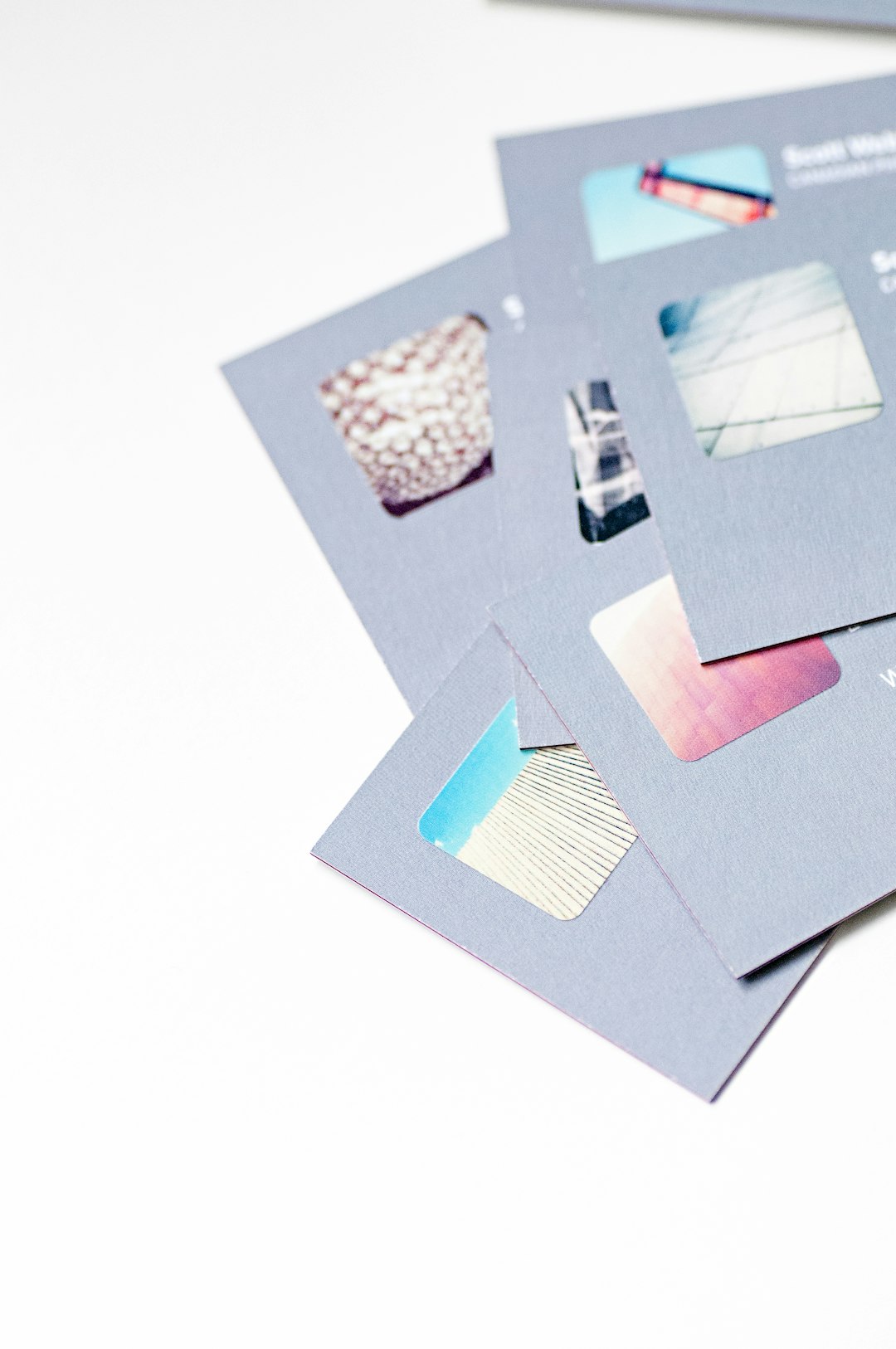
If you want something that screams “that’s so YOU!”, Zazzle is worth a spin. Their designs are quirky, personalized, and never boring.
- Great for: Artistic or niche educators who want fun branding
- Cool Features: Thousands of handmade-style templates
- Best Part: You can turn your business card into merch or stickers!
Business Card Tips for Course Creators
Okay, you’ve chosen a card maker. Now what? Let’s get strategic. Here’s how to make your card work for you:
- Include a QR Code: Link it to your course, community, or freebie download.
- Keep Info Clear: Name, tagline, email, and link (not five links!).
- Design Consistently: Use the same colors and fonts as your brand.
- Add Your Face! People remember faces more than text.
- Make It Actionable: A line like “Scan to get my free mini course!” works wonders.
Print or Digital – Which Should You Choose?
The best answer? Both. Here’s why:
- Print: Great for in-person networking, workshops, or package inserts.
- Digital: Perfect for social media, emails, or podcast guest appearances.
Digital wins for flexibility — especially if you’re changing offers often. Print wins for tangible connection and memorability.
Bonus: Add to Your Toolkit
Want a pro tip? Many business card makers also support custom brand kits and logos. While you’re designing your card, why not also create:
- Instagram highlight icons
- Course banners
- Zoom backgrounds
- Branded merch (stickers, mugs, notebooks!)
Consistency builds trust. And trust builds community.
Final Thoughts
For online course creators, a great business card is more than just a slip of paper. It’s a bridge to your brand and invitations to your world. Whether you’re hosting webinars, coaching clients, or teaching a digital class — your card can be your secret weapon.
Pick a tool that fits your vibe, get creative, and hand out your story with pride!
Quick Recap:
- Canva – Creative and beginner-friendly
- Vistaprint – Traditional with tons of finish options
- HiHello – Interactive digital cards for modern networkers
- Moo – Luxe looks that really impress
- Zazzle – Fun, artistic cards full of personality
So go on, creator — make your mark. Your future student or collaborator might just find you through your next business card.